Ultimate Guide to Scheduling More Sales Meetings at Conferences

Get More Sales Appointments
One of the main reasons to attend a conference is to schedule more sales meetings for your business. It can be a little frustrating when you do not get the full benefits of attending a conference. Planning ahead helps considerably, like defining specific goals or deciding which sessions to attend, but you can do so much more.
Proper event lead research beforehand with the use of event apps and websites will help you to set up more sales meetings at the event. Taking the steps necessary to ensure your meetings take place will also greatly boost the number of prospects you get from conferences.
The Playbook Process

Step 1
Research for Leads at Conferences

Step 2
Clean Up Your Lead Information

Step 3
Prospect and Outreach to Schedule Sales Meetings

Step 4
Prevent No-Shows at Your Sales Meetings
Step 1
Research for Leads at Conferences
To begin scheduling sales meetings and increasing the leads in your sales pipeline, you need to first find out who else is also coming to the conferences you are attending.
Conference Attendees
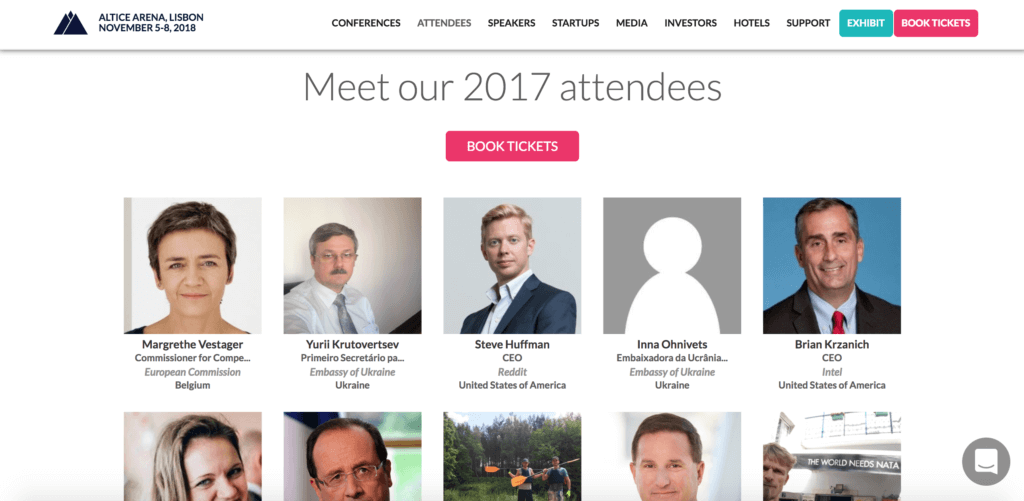
Web Summit 2017 Attendees’ List
Most conferences will have an official website presentation or app that contains the list of event attendees. The only pitfall with the information would be the lack of key contact details such as job titles or emails.
Get the attendee list by:
- Installing the conference app and accessing the list
- Scraping the conference website manually or using a scraping tool
Read our full guide for finding attendees on official website or app.
Exhibitors, Sponsors and Speakers
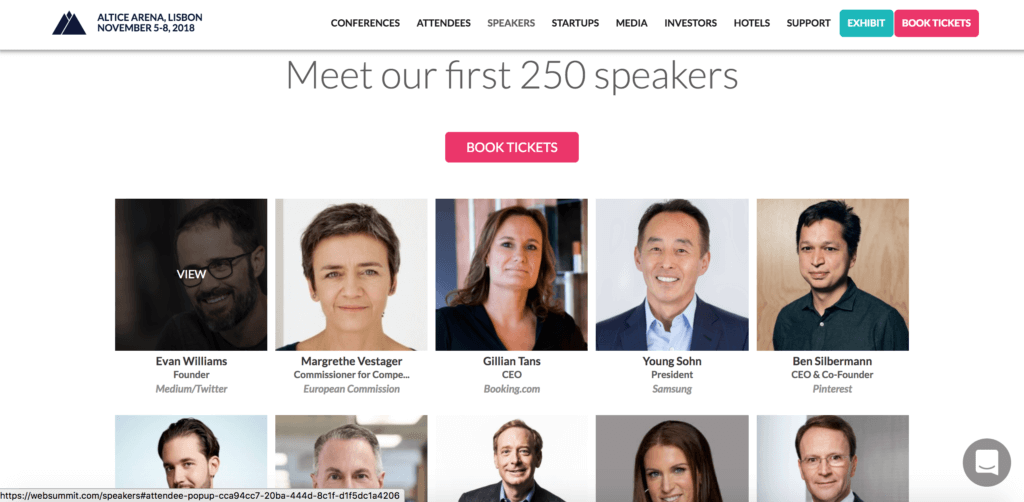
Web Summit 2018 Speakers’ List
Just like conference attendees, the information for exhibitors, sponsors or speakers are usually listed on the conference website or app. They may be potential partners or customers for your business.
Get the list of exhibitors, sponsors or speakers by:
- Installing the conference app and accessing the lists
- Scraping the conference website manually or using a scraping tool
Social Media
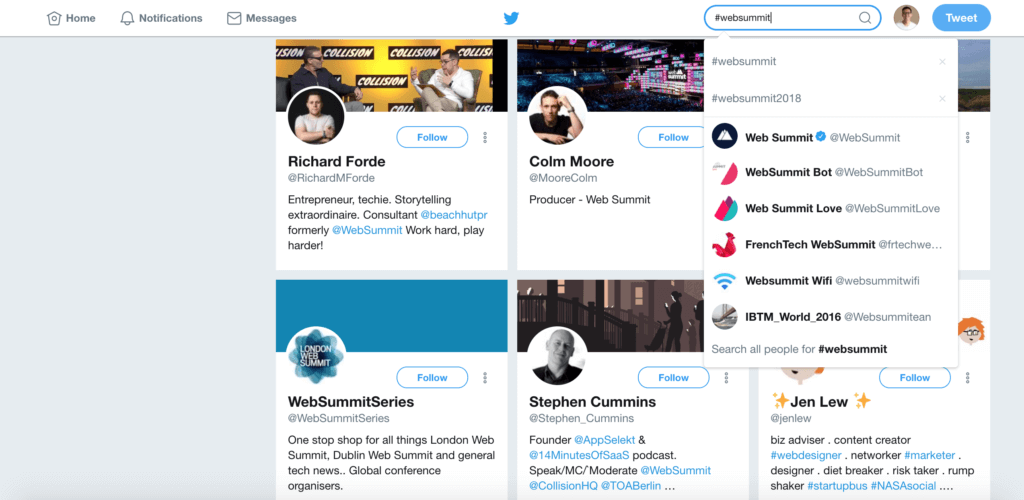
#websummit Twitter Search
Aside from accessing the event websites or apps, you can also use social media to your advantage when researching for more information.
- Look up mentions, #hashtags, or handles on social media platforms. They can bring up current information or details from previous years.
- You can also find the people who follow the conference on Twitter or have liked the Facebook Page.
- You could also look for Facebook Groups for the conference. There may be current or old groups created by the event organizers or attendees.
Lost Opportunities Nearby
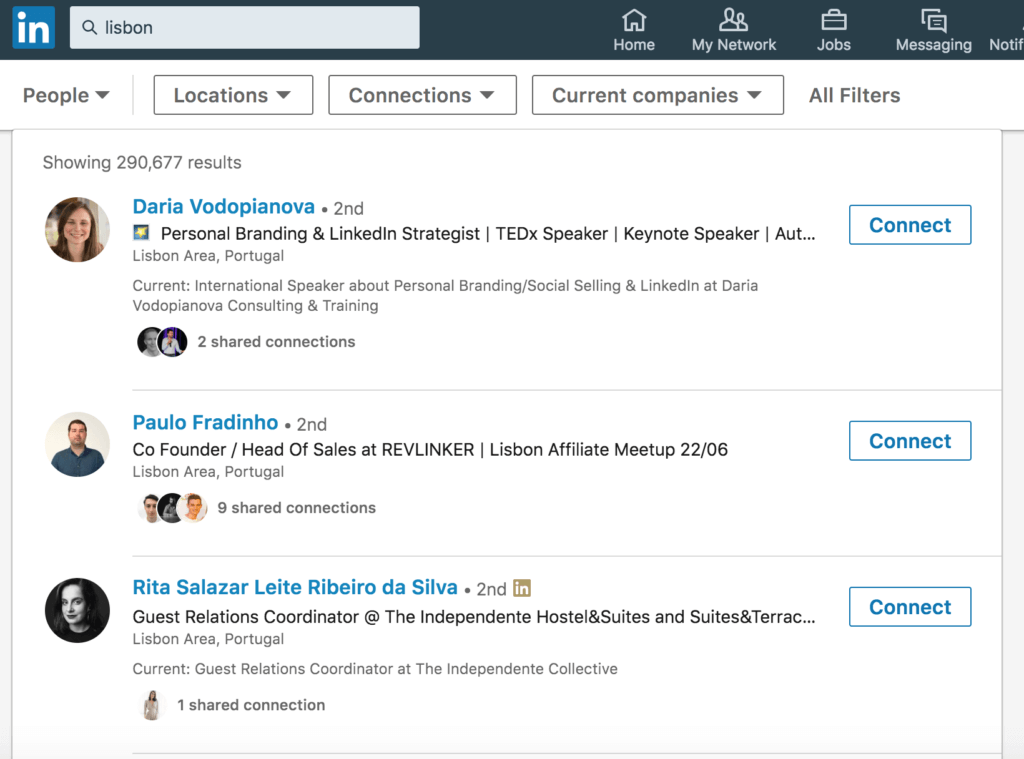
“lisbon” LinkedIn Search
There may be other relevant prospects that are based near the conference venue which you could also contact.
- For prospects who are not attending the conference, offer to buy them a ticket so you can meet up with them and participate together.
- If the prospect is still not interested in attending the conference, offer to meet up with them afterwards since you are already in their city anyway.
- You could also find more prospects in close proximity by using LinkedIn and searching for people based on your Ideal Customer Profile (ICP).
Tip: Before sending out email campaigns, show that you are attending a conference by putting it in your signature. This may indirectly start conversations or create opportunities with other prospects in your mailing list by having a common conference in conversation.
Step 2
Clean Up Your Lead Information
While generating leads from conferences, you want to make sure that the information you have is accurate and working.
To do some basic CRM hygiene:
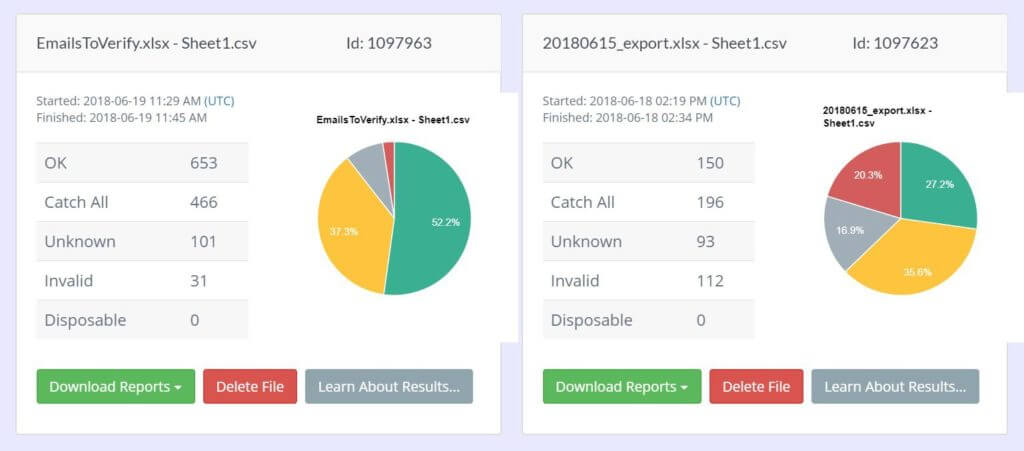
- Run an SMTP check to make sure the emails do not bounce.
- Compare the data of your leads with their profiles on LinkedIn to make sure they are still working at the companies.
- Filter your lead lists against your blacklist to avoid contacting the wrong people.
Quick guide for spotless CRM hygiene
Step 3
Prospect and Outreach to Schedule Sales Meetings
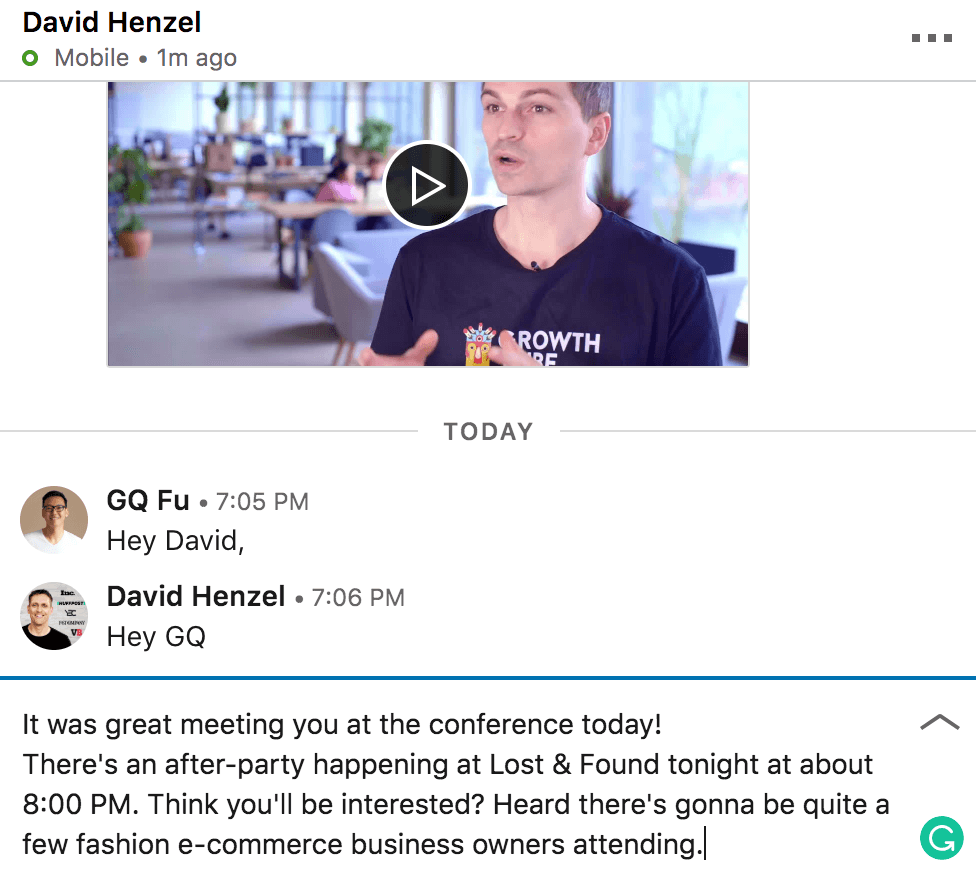
Once you have your list of leads, start with your outreach. Remember to use simple messages.
A simple email or social media outreach with the following type of messaging usually works:
- Send a message that introduces the founder of your business (send it from a different account if that is you) and states that he or she wants to meet with the prospect.
e.g. “…Our founder would like to meet you…” - If you already have rapport with your prospect, or perhaps your business contact, you could check with them and find out if there is anyone else they know that is attending the conference together with them. That way, you get other possible relevant prospects that you can get in touch with.
For email template ideas click here.
Step 4
Prevent No-Shows at Your Sales Meetings
Be proactive in your messaging and prevent no-shows for scheduled sales meetings at conferences.
Make sure your conference prospects show up
Tip: Remember to include your number, so that prospect can reach out to you via WhatsApp, Viber, WeChat, and/or other messaging apps.
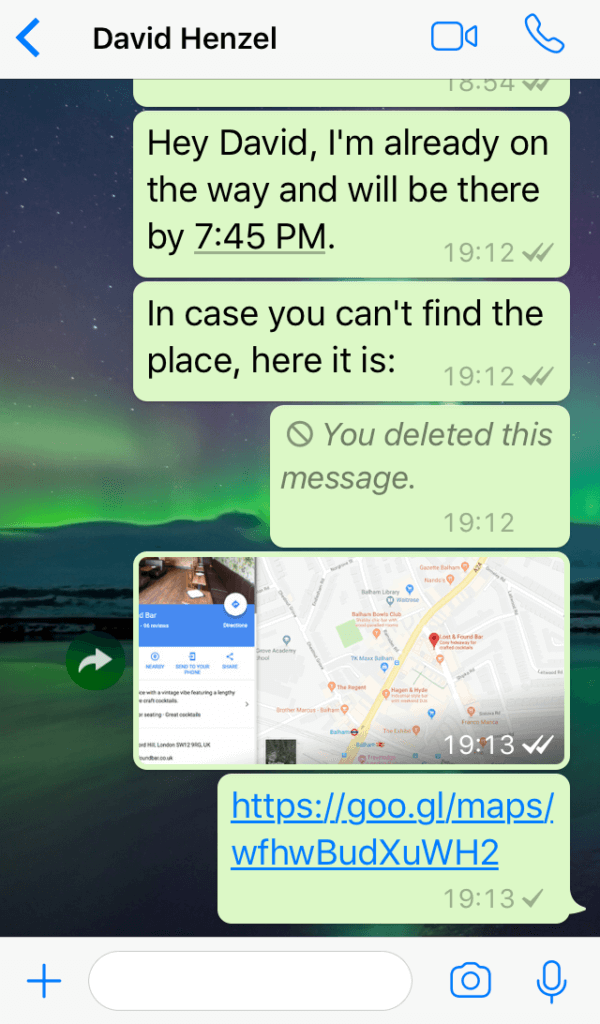
You can remind the prospect of the meeting by sending out a reminder text or email on the day of the meeting. Send them a reminder in the morning or an hour before the meeting, and about 10-15 minutes before your meeting. These reminders can be something as simple as:
Hey, Matt,
Just wanted to remind you about the meeting we have scheduled for 4 pm today.
Let’s meet at _____ (location)
Looking forward to seeing you soon.
You can attach a map of the conference and the exact location where you want to meet with your prospect.
Summary
Never miss out on the benefits of attending a conference again by doing the necessary lead research work beforehand. There are many reasons to attend a conference — let scheduling sales meetings be one of the main reasons.
Have your sales team focus on closing deals at scheduled sales meetings.
Get TaskDrive to do the lead research for you with a risk-free one-week trial.
Download Playbook